Table of Contents
- Shopify now requires IP whitelisting for its apps
- Shopify IP Allowlist Requirements: Timeline
- Exempt
- Allowlist options
- How to add your static IPs in the Dev Dashboard
- Frequently Asked Questions (FAQs)
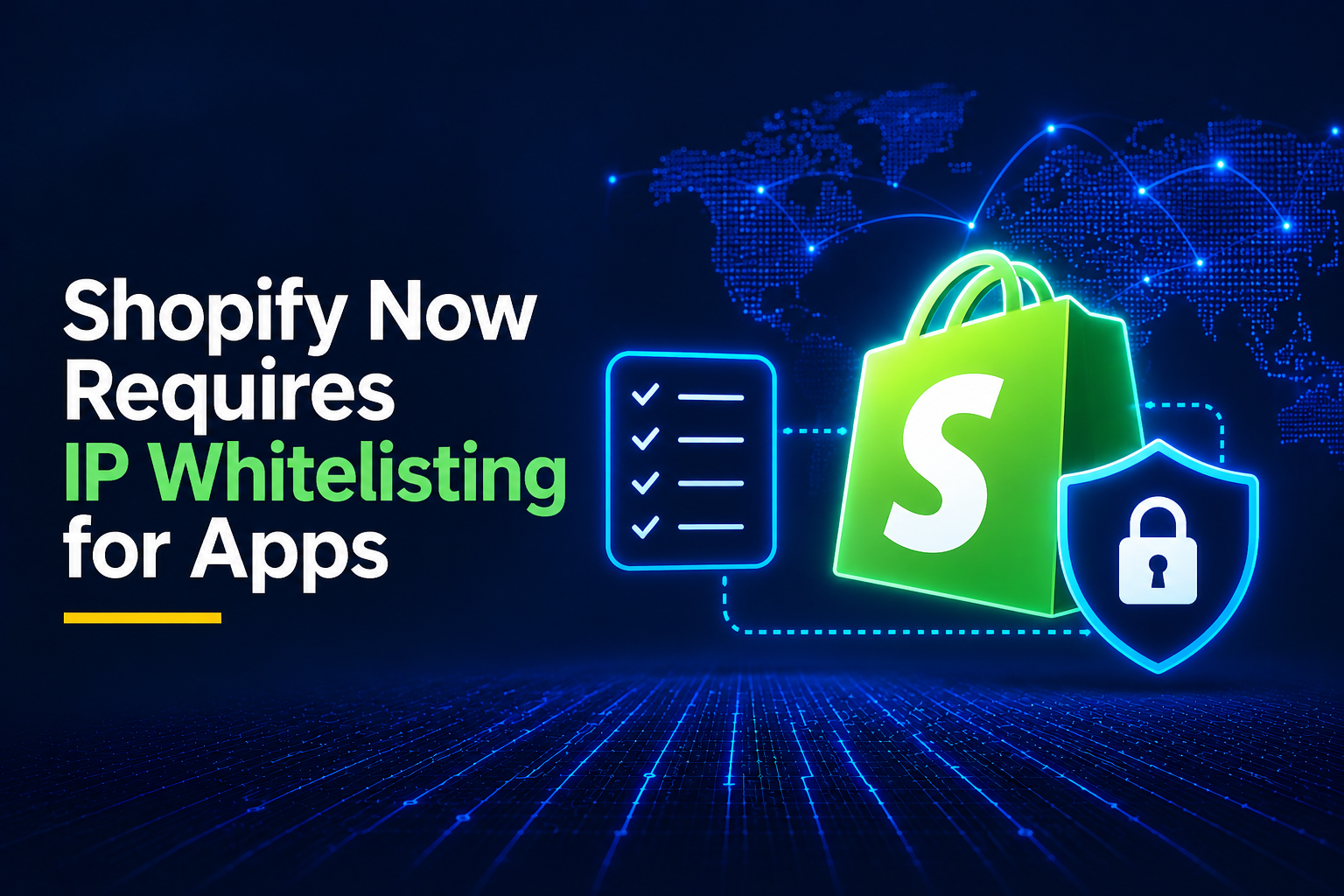
Shopify now requires IP whitelisting for its apps
In early November, Shopify added a new IP allowlist (whitelisting) requirement for their public and custom apps, as documented in their IP allowlist guide.
Shopify's documentation gives two options for satisfying the new requirement:
- IP addresses
- ASN numbers
The first option is significantly more secure than the second one, as you can also read in their own documentation on ASN rules.
So especially if your app runs on serverless platforms like Heroku, Railway, Scaleway, or Vercel, you don't have an outbound static IP by default.
This is where OutboundGateway can step in, and give you two static outbound IPs (EU based and owned), that you can use for your Shopify apps.
Shopify IP Allowlist Requirements: Timeline
| Date | Who it applies to | What happens |
|---|---|---|
| Nov 12, 2026 (11:59 PM ET) | Public apps that use bulk operations | Bulk queries and mutations from apps without an IP allowlist fail to execute. |
| Nov 20, 2026 (11:59 PM ET) | All public apps that call the Admin API | Apps without an allowlist are delisted from the Shopify App Store and blocked from new installs. Existing installs keep working. Apps are flagged in the merchant's Settings > Apps. |
| Nov 20, 2026 (11:59 PM ET) | Custom apps installed on stores outside your organization (agencies/partners) | New installs require an IP allowlist. |
| Jan 1, 2027 (11:59 PM ET) | Custom apps installed on stores outside your organization | Existing installs also require an allowlist. One app without it blocks you from installing any of your apps on outside stores. |
| Jan 15, 2027 | Public apps without an allowlist | Merchants see a warning in their Shopify admin. |
| Apr 1, 2027 | Public apps without an allowlist | Admin API requests fail (HTTP 403). |
Exempt
| App type |
|---|
| Apps created by merchants (Dev Dashboard or admin) |
| Custom apps installed only within your own organization |
Allowlist options
- IP addresses, CIDR ranges, and hosting provider ASNs can be combined (up to 250 IPs or ranges).
- Apps with dynamic IPs or serverless hosting can use ASNs plus a country list.
How to add your static IPs in the Dev Dashboard
On the same Shopify page you can find the specific steps you need to take to add your static IPs:
1. Open the allowlist settings. Open your app in the Dev Dashboard, click Settings, and then click Manage in the IP allowlist section.
2. Enter what you want to allow. You can combine IP addresses, ASNs, or both:
- In IP addresses or CIDR ranges, enter your addresses and ranges.
- In Networks (ASN), enter your ASNs.
- Under Limit ASNs to countries, choose the countries your app runs in. Countries narrow only your ASNs, and they're recommended when you enter ASNs.
3. Test against recent traffic. Under Test against recent traffic, click Run test. Check whether any of your own addresses from the last 30 days would be blocked. If they would, adjust the allowlist and test again. Results can take a few minutes to include your most recent requests.
4. Turn on enforcement. Turn on Enforce IP allowlist, and click Save.
5. Verify enforcement works. Make a GraphQL Admin API request from outside your allowlist, and confirm that it fails with a 403 status code.
To stop enforcing the allowlist later, turn off Enforce IP allowlist and click Save. Shopify keeps your allowlist, so you can turn enforcement back on at any time.
Be sure to include both of the IPs from the OutboundGateway info page, and then test out that the enforcement works by confirming that an outside request returns a 403.
Built with ❤️ for EU businesses who care about privacy and sovereignty.
Frequently Asked Questions (FAQs)
Does my Shopify app need an IP allowlist?
It depends on the app type and timeline. Public apps that call the Admin API must have an allowlist by November 20, 2026, or they are delisted from the Shopify App Store and blocked from new installs, and by April 1, 2027 their Admin API requests start failing with HTTP 403. Custom apps installed on stores outside your organization need an allowlist for new installs from November 20, 2026, and for existing installs from January 1, 2027. Apps created by merchants and custom apps used only within your own organization are exempt.
What happens if I don't add an IP allowlist to my public Shopify app?
The enforcement rolls out in stages. From November 12, 2026, bulk operations fail. From November 20, 2026, the app is delisted from the App Store, blocked from new installs, and flagged in merchants' settings, though existing installs keep working. From January 15, 2027, merchants see warnings in their admin, and from April 1, 2027, Admin API requests fail entirely with HTTP 403.
How do serverless Shopify apps get a static outbound IP?
Platforms like Heroku, Railway, Scaleway, and Vercel don't give your app a fixed outbound IP by default. The two options are listing your hosting provider's ASN (less precise, and Shopify recommends narrowing it by country) or routing your app's Admin API traffic through a static outbound IP proxy like OutboundGateway, which gives you two fixed EU-based IPs to enter directly in the Dev Dashboard allowlist.